
Principles and Suitable Contexts
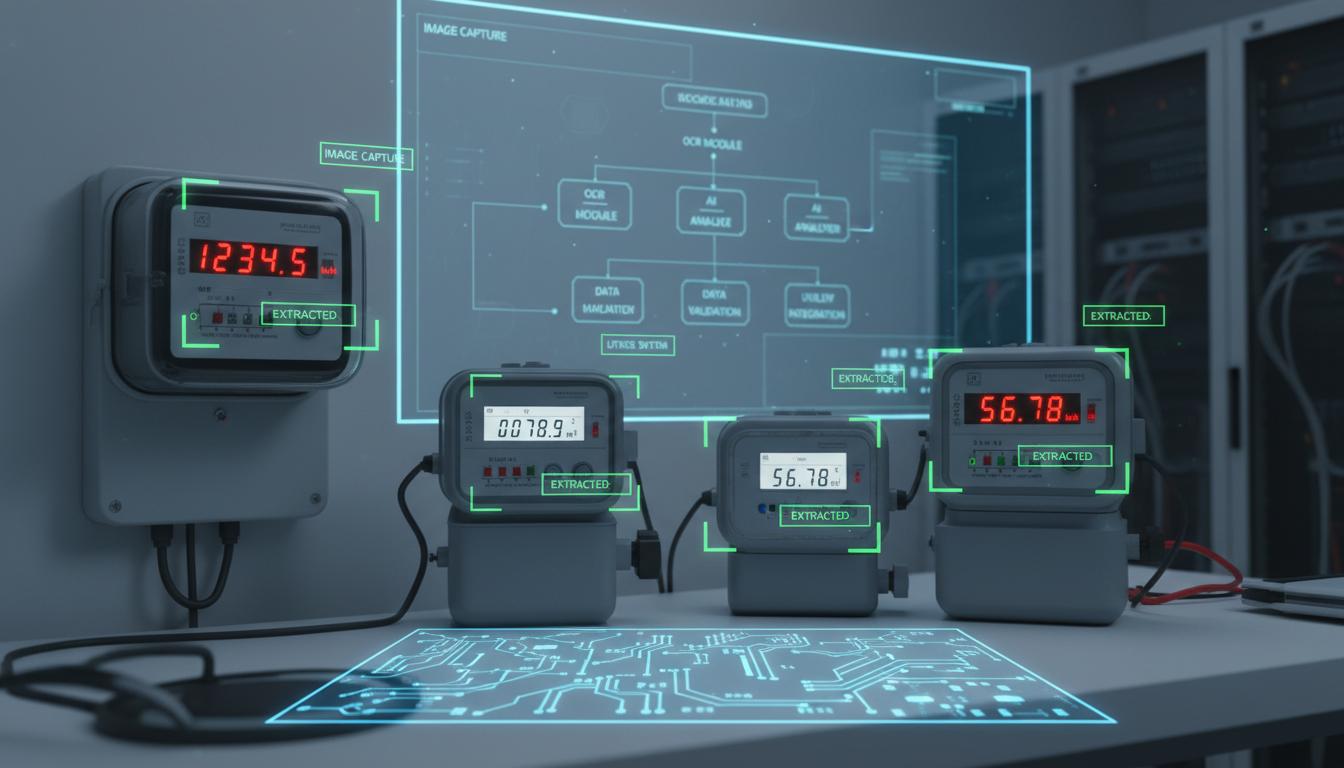
OCR or seven-segment recognition can suit a display with a known location. The result may nevertheless need a number, unit and operating mode together. The same digits mean different things in voltage and current modes, so represent each reading as a structured record rather than a bare number.
A seven-segment display forms digits by lighting individual line segments; optical character recognition converts image shapes into text. Either method can recognise the digits correctly yet misunderstand a decimal point or multiplier. For illustration, 1.2 V and 12 V differ by a factor of ten despite differing by only one dot. Symbols therefore deserve as much attention as the larger digits.
Separate text recognition from conversion into a numerical quantity. Preserve the original text to explain unit conversion, and ensure status codes never become zero. On an automatically ranging display, take the number and unit from the same image or a confirmed common page interval. Combining them across unverified frames can create a record that the instrument never actually displayed.
Scroll the diagram horizontally to inspect all details.
Data and Preparation
Document decimal positions, switchable units, over-range indicators and error codes. Capture representative digits under actual lighting. Test exposure settings against the display refresh cycle, particularly for multiplexed LEDs. Where available, align instrument records with image timestamps so that comparisons refer to the same displayed value.
Map the regions showing numbers, units, signs and hold indicators. Use normal operation or authorised sample material for uncommon pages; do not alter circuit connections to generate test numbers. Check whether small details such as decimal points remain visible in the actual image submitted for processing, rather than judging only the high-resolution original. A readable source does not guarantee a readable derivative.
Short exposures may capture only part of a refresh cycle, whereas long exposures may overlap changing digits. Choose settings from real image sequences and record them. Recheck after downstream resizing or compression, whose artefacts can erase small dots. Treat unreadability as an acceptable explicit result when essential display elements are incomplete, rather than requiring the recogniser to produce a number from every image.
Failure Cases and Limitations
A multiplexed LED display can appear incomplete in a photograph even when a person sees all digits. LCD contrast can fade with viewing angle, and rotating pages can mix quantities with different units. Do not fill missing digits from an earlier reading without explicitly marking the result as stale.
Look for an eight becoming zero, a cropped minus sign and reflected light resembling a decimal point. Distinguish a blank screen from a displayed zero through evidence of complete digits; a dark background is not zero. If a hold indicator is present, explain that the displayed number may not be tracking the process, even when the current photograph is perfectly clear.
Previous readings can help identify continuity problems but can also hide genuine changes. Use them to request review, not replace missing evidence. When display elements are incomplete, retain the reason and the time of the last confirmed measurement. Users must distinguish readable, unreadable and held readings, especially before computing differences or triggering alerts whose meaning depends on an updated value.
Scroll the diagram horizontally to inspect all details.
Evaluation Methods
Measure exact full-string agreement as well as numerical error. Report decimal-point and unit mistakes separately. Include blank displays, blinking digits and error codes, not only successful numerical readings. Test negative values and transitions between different digit counts so that an aggregate score does not hide these failures.
Reference answers should contain text, units and status, not just the converted number. Otherwise recognition errors cannot be separated from conversion mistakes. Ask reviewers to inspect the same image before seeing system output, and catalogue images caught during page transitions. Distinguish those ambiguous observations from images with a clear reference value that the system nonetheless reads incorrectly.
Acceptance checks should assess missed signs and fault codes separately from general digit scores. Include resizing, lighting changes and authorised display restarts. When comparing internal instrument logs, verify that timestamps refer to the same refresh interval. A difference caused by observations at different times should not be called recognition error or meter inaccuracy without investigating the temporal mismatch first.
Review Checklist
- Store the unit alongside the value.
- Test 0/8 and 1/7 on actual images.
- Distinguish a blank display from zero.
- Set a maximum age for a displayed reading.
References and Further Reading
References explain principles, not product certification. Requirements from another jurisdiction do not automatically replace local requirements or the actual equipment manual.