
Principles and Suitable Contexts
Mobile screens can suit status summaries and tracking assigned tasks. Users should see the unit, location and measurement time before deciding what to do. Push notifications depend on the operating system and network, so they are not an emergency channel with guaranteed delivery.
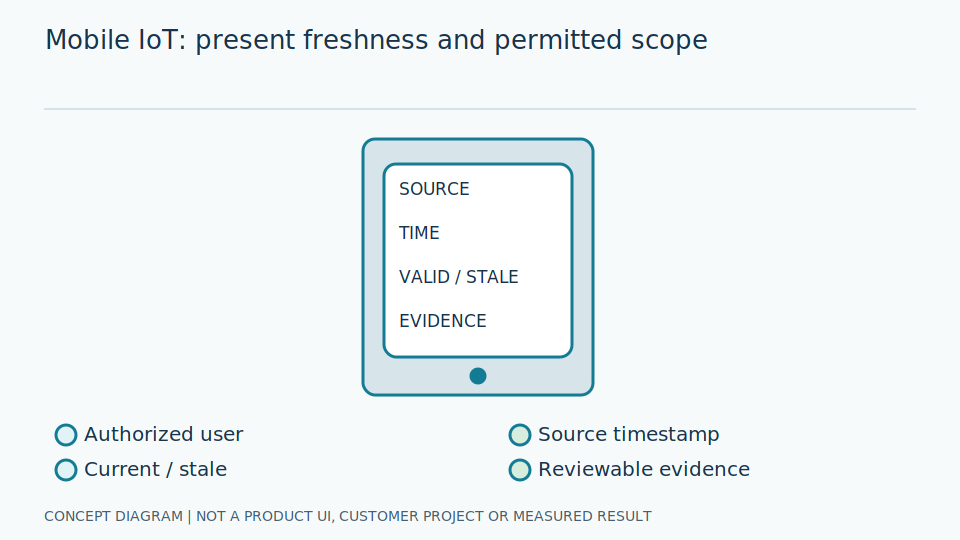
A cache is a stored copy for use when the network is unavailable, not necessarily current information. A session ties a period of use to a user's identity. Offline screens must state data time and scope clearly. Users should distinguish the ability to view history from the ability to confirm a current task without memorising technical details about connectivity or application storage behaviour.
Push notifications travel through services and operating systems and may be delayed or hidden by permissions and settings. Separate sent, displayed, acknowledged and completed states. Minimise sensitive lock-screen details and require authorised in-app viewing. These are architectural considerations, not claims that any particular product has a mobile application or already supports all such features. Delivery capability must be checked within the actual implementation scope.
Scroll the diagram horizontally to inspect all details.
Design and Data Preparation
Define user roles, the data permitted on the device and session lifetime. Design offline views that show cache timestamps. Keep sensitive details out of notification messages. Prepare an access-revocation procedure for lost devices rather than relying on continued physical possession of a handset.
Prototype device name, location, unit and time near the displayed value. Do not use colour alone for status, since users and screens have different visual constraints. Test selection among similarly named points to discover mistakes before deployment. Specify which tasks can occur offline and which require updated evidence; cached information must not authorise hazardous activity simply because the screen still shows an earlier normal state.
Limit local storage under organisational policy, including clearing after logout or user changes. Queued actions need identifiers and pending, confirmed or failed states to prevent accidental retries. Plan session revocation and renewed authorisation within actual constraints. Do not place passwords or detailed site information in push messages that may appear on a shared handset. Viewing convenience must not widen access beyond the user's assigned role.
Failure Cases and Limitations
Power-saving modes may delay notifications. Shared devices may expose the wrong account, and repeated taps on a slow connection can create duplicate actions. A screen without confirmed current data should not be used to approve hazardous work merely because its cached display still looks normal.
After long inactivity, an app may show old information before refreshing. Without a time label, users may think it was just measured. Show refreshing status and cache age. Account switching can leave earlier images or tasks, so verify access and clear data under policy; changing a username on screen alone does not prove that previous-account information has been removed from local storage.
Repeated acknowledgement taps over slow networks can create duplicate records or close the wrong event. Distinguish local action from destination confirmation through task identifiers. If sending fails, show the backlog and a verification route instead of silently marking completion. Mobile is supplementary tracking, not a safety instrumented system, interlock or emergency-stop channel. Push dispatch does not prove that someone read it or that an area is safe.
Trial and Evaluation Methods
Test disconnections, account switching and reopening the app after long inactivity. Measure real task completion time and wrong-device selection errors. Check that cached information cannot leak between accounts. Test push delivery separately from acknowledgement, and do not treat a sent indicator as proof that a notification was read.
Ask users to perform harmless sample tasks, such as finding a specified point and identifying fresh versus old data. Observe selection mistakes and time comprehension rather than measuring screen-load time alone. Test devices and operating systems actually in scope, recording versions. Use nonsensitive test information for account-switch checks so the evaluation itself does not expose another user's operational or personal details.
Acceptance should cover pending actions, deduplication and policy-based revocation, including an offline app after access withdrawal to reveal local-storage limits. OWASP guidance organises application and data questions; it does not show that a system has passed a standard. Report notification constraints by tested handset and network rather than guaranteeing delivery or emergency response. The evaluated workflow must remain separate from protective functions.
Review Checklist
- Clearly show time, unit and device.
- Do not make offline data look current.
- Support session revocation according to policy.
- Exclude sensitive details from push messages.
References and Further Reading
References explain technology principles or requirements. They do not establish product certification or support for every requirement.