
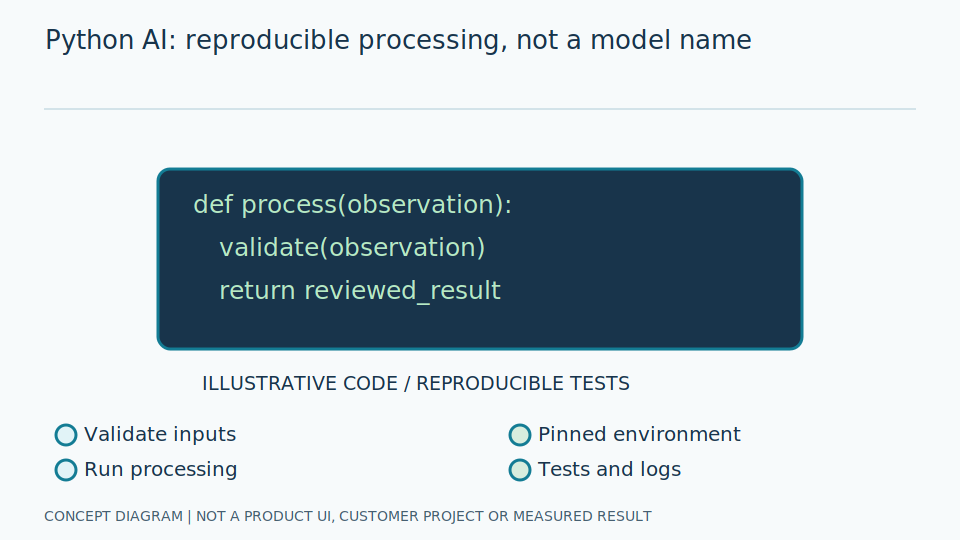
Content Level: Overview / Implementation considerations
Principles and Suitability
Python can manage images and data and invoke model runtimes. Computationally intensive work often runs inside native libraries such as NumPy or OpenCV, so measure the whole pipeline rather than inferring performance from the programming language alone.
Think of Python as a coordinator: opening images, checking completeness, invoking analysis and arranging results for other systems. A library supplies reusable operations; a runtime executes a model. Choosing a language alone says little about responsiveness or resilience to damaged images, because transmission and validation introduce additional stages. An apparently fast inference operation may still sit inside a slow overall process.
An array has a shape and value type: an image might have height, width and colour-channel axes. Dtype specifies numerical type; shape gives each axis's size. Define clear stage interfaces, particularly for different RGB and BGR channel orders and pixel ranges before and after scaling. Otherwise incorrect inputs can continue producing numerical outputs without any visible software failure.
Scroll the diagram horizontally to inspect all details.
Illustrative Industrial Example
Illustrative design scenario: a program loads gauge images, checks dimensions and colour format, runs a model, and returns a value, unit, timestamp and no-read status through a consistent schema before sending results to an information system.
Suppose the camera sometimes transmits incomplete images. Distinguish a damaged image from a complete image with an unreadable pointer. Returning zero for both makes the recipient believe the gauge genuinely reads zero. Return status and reasons instead. Identify whether timestamps mean capture or receipt; result-transmission time must not silently replace event time, because these can describe different moments.
Use small reference images to check file loading, colour conversion, cropping and output formats. When converting arrays between libraries, establish whether storage is copied or shared: modifying one stage's image may alter another's data. Keep source images separate from display overlays. Give readings identifiers so a messaging failure followed by retry does not create duplicate records without a traceable relationship.
Study and Trial Workflow
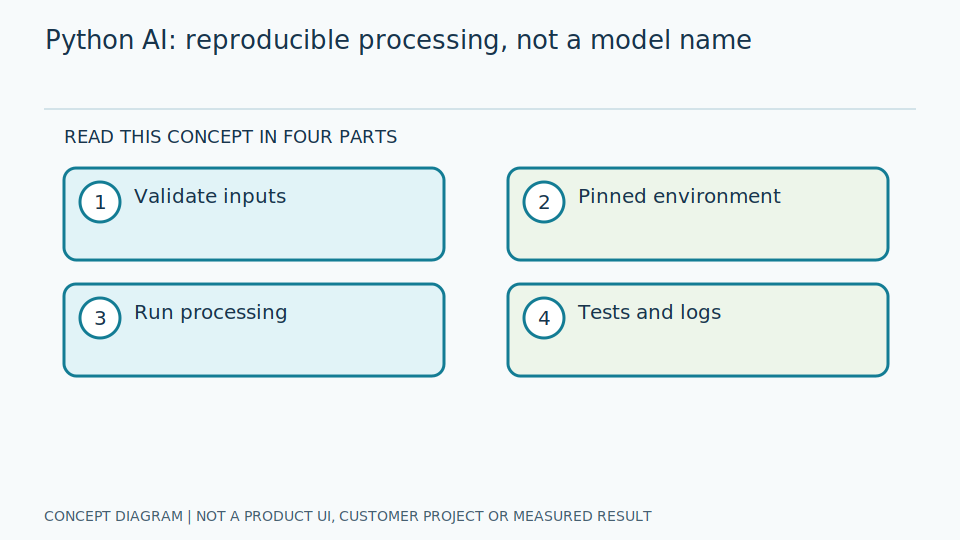
- 1 Separate acquisition, preprocessing, inference and export into testable parts.
- 2 Pin dependencies and check data type, RGB/BGR order and array shape with fixture images.
- 3 Add timeouts and camera-disconnection handling without presenting stale readings as new values.
Evaluation and Metric Definitions
Use unit tests for value conversion and integration tests from image input to output schema. Measure I/O and inference time separately, and check memory consumption while the program runs continuously.
Unit tests check small operations, such as angle conversion; integration tests check cooperating stages, such as correct units and statuses from image input. Include normal inputs, empty images, wrong shapes and values that cannot be calculated. Testing only the final number misses timestamps or statuses that can make a recipient interpret the event incorrectly even when the numerical conversion was right.
Separate image waiting, preparation and computation time to find genuine bottlenecks. Check whether repeated operation accumulates images or queued work in memory. Test recovery after reconnection with controlled simulated data. Pinning library versions supports repeatability, but upgrades still need evaluation: numerical types and conversion behaviours can change. The old version's successful tests do not automatically validate a newly installed implementation.
Limitations and Failure Cases
Pixel-by-pixel Python loops and array copies may become bottlenecks. The Global Interpreter Lock does not imply that every native computation is unable to run in parallel; profile the actual workload before drawing conclusions.
The GIL controls interpreter execution in some configurations; it is not a verdict that all computations cannot use multiple cores. Threads may help waiting for input or output while failing to help tasks contending for the same resource. Measure the real path before changing parallelism, and check that extra workers do not reorder images or attach an old image's result to a new timestamp.
Catching every exception and returning an ordinary result makes software appear operational while hiding faults. Separate retryable failures from data or configuration errors. More logging aids diagnosis but increases storage and privacy risks. Define retention and masking, and exclude passwords and confidential details from diagnostic messages. A robust error path must communicate missing evidence rather than disguise it as a valid reading.
Practical Checklist
- Is there a lockfile or an explicit dependency-version record?
- Are corrupt images and non-finite numeric values checked?
- Do logs mask personal information and exclude secrets?