
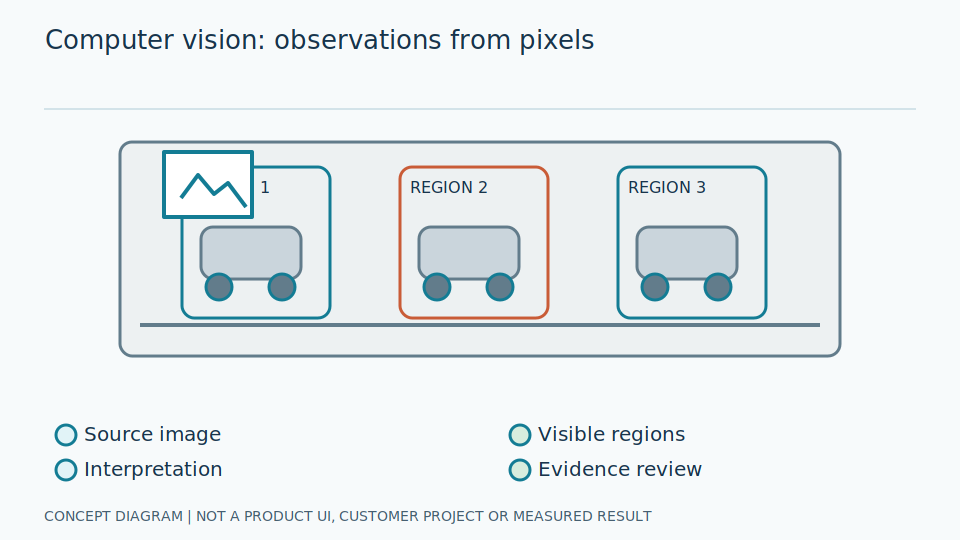
Content Level: Overview / Implementation considerations
Principles and Suitability
Computer Vision turns pixels into meaningful information through image acquisition, preprocessing, feature extraction and inference. Some tasks can use thresholds or geometry without training a model. Locating a dial and reading its displayed value are separate problems.
Put simply, the system does not see pressure directly: it sees light reflected from a dial. Pixels are the coloured points in an image; features are information extracted from those points, such as circular edges or the direction of a pointer. If glare hides scale marks, the original evidence is incomplete. Before choosing a complex calculation, first ask whether the image clearly shows everything that needs to be read.
For engineers, a region of interest, or ROI, is the part of an image being examined. Cropping must retain the position and scaling information needed to map coordinates back to the original image. A threshold divides brightness values; it does not prove that every detected line is a pointer. Keep object location, pointer shape and interpreted readings separate so that an error can be traced to its starting point rather than corrected at the wrong stage.
Scroll the diagram horizontally to inspect all details.
Illustrative Industrial Example
Illustrative design scenario: check the sharpness of a pressure-gauge image, locate the dial, identify the pointer and scale, and convert them into a value and unit. Send the reading with its capture time and reference image; do not send a value if the image fails the quality criteria.
In a hypothetical scene, a dial has a pointer and its shadow close together, so a program detects two lines. Choosing the longer line alone is not enough. Check the pivot, the direction of the tip and their relationship to the scale. If the evidence still conflicts, a no-read result with a reason may be more appropriate than a tidy-looking number that cannot be verified.
Suppose a linear scale has a clearly defined working angular span and unit. Before converting an angle to a value, check the starting point, end point and direction of increasing readings against that dial. When the gauge is replaced, recheck these assumptions rather than automatically using the previous angle mapping. Overlay the pointer direction and scale locations on the output image so a reviewer can inspect the reasoning behind the reading.
Study and Trial Workflow
- 1 Define the measurement range and reading tolerance that the user can accept.
- 2 Arrange the camera and lighting to reveal the pointer and scale marks, then compare geometric and model-based methods.
- 3 Test different gauge units and lighting conditions that were not used during development.
Evaluation and Metric Definitions
Measure gauge-detection rate separately from the mean absolute error (MAE) of readings, and report the no-read proportion. Excluding difficult images without reporting them can make the measured reading error look better than it is.
MAE averages the size of each difference without considering its sign. It shows how far readings are from reference answers but does not reveal whether they are consistently too high or too low. Examine signed differences and error images together. Record who supplied the reference answer and when it was read: a pointer moving between recordings makes a comparison unfair even if both readings were reasonable at their respective times.
Break results down by dial size, camera angle and position on the scale instead of reporting one number for all images. Check input coordinates, output units and rounding for consistency. If the pointer location is correct but the value is wrong, inspect the conversion formula and units before retraining the detector. Include rejected images in evaluation so the real burden of repeated inspection remains visible.
Limitations and Failure Cases
Reflections, parallax and motion blur can remove information from an image. A larger model cannot recover details that the camera never captured, so image acquisition needs attention before increasing model complexity.
Parallax is a viewpoint-related error when the pointer and scale are not in the same plane: even a sharp image can therefore produce a wrong reading. Motion blur can make the pointer tip appear thicker. Sharpening changes the signal's appearance; it does not certify that newly emphasised edges correspond to the real object. Always retain the original image for diagnosis rather than keeping only an enhanced version.
Balance strict image acceptance against the number of readings that people must check. Accepting more difficult images may increase incorrect values, while rejecting almost everything provides little practical help. State the usable conditions and the route for unreadable images. Never silently substitute the last reading for the current one, or use an image result for hazardous control without a separate assessment of that downstream application.
Practical Checklist
- Are the pointer tip and measurement unit fully visible?
- Are out-of-condition images covered, with a route to human review?
- Are the region of interest, reading-method version and capture time recorded?