
Content Level: Overview / Implementation considerations
Principles and Suitability
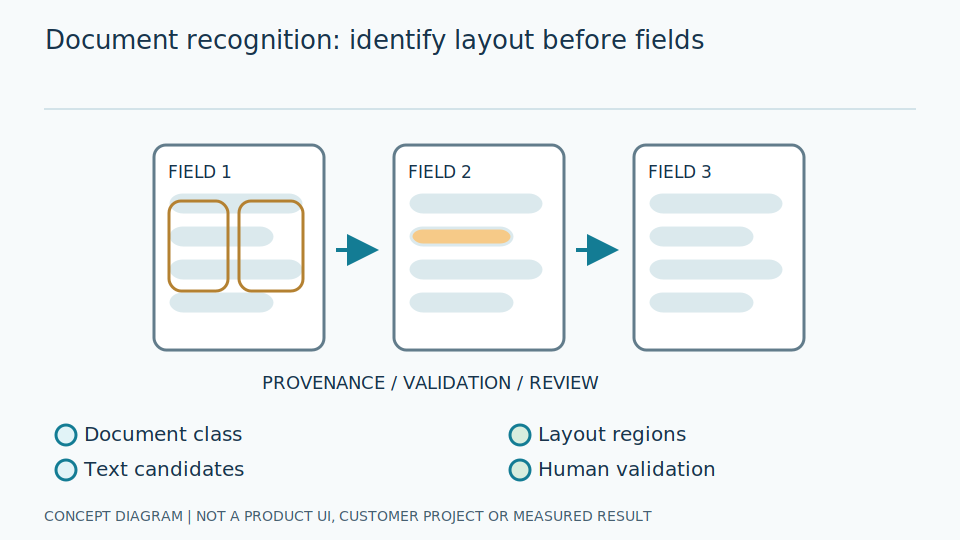
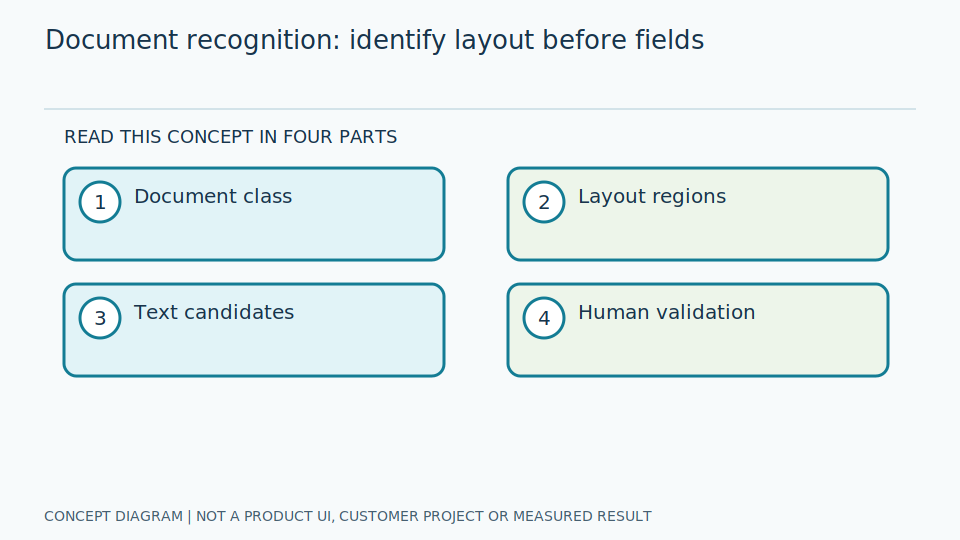
Document recognition here means identifying document types and page structures. It differs from OCR, which reads text, and KIE, which extracts fields. Classification may combine layout, images, and text, including an unknown class for documents outside scope.
Identifying document types helps route work to suitable reading methods: reports and manuals have different structures and important fields. Layout means the arrangement of elements on a page and can provide evidence alongside text. Documents sharing a logo are not necessarily the same type. Separate classification from text reading and authenticity checks. A selected class is not evidence that the document carries genuine legal or professional certification.
Engineers define a taxonomy, or list of types, with mixed-document cases and unknown status. Define whether answers apply to a page, page range, or whole document, and establish aggregation rules before routing to KIE. If later pages contain tables unlike the first page, use all information required by scope. Split training and testing by template and original document so duplicate pages or rescans do not create a false impression of robustness to new documents.
Scroll the diagram horizontally to inspect all details.
Illustrative Industrial Example
Design example: distinguish calibration certificates, site inspection sheets, and manuals before selecting an extraction schema. Multipage inputs may need grouping before whole-document classification.
Suppose one scanned file combines a report with manual pages. Classifying from the first page and applying one schema throughout could extract a number or date from the wrong page. Establish document boundaries and continuity checks first. Reviewers should see the decision pages and uncertain classes. Do not force every page into a known type merely to provide complete answers for downstream extraction.
Engineers test multipage files and new templates, including different document types with matching logos. Check preservation of rotation, scanning details, and page order. When routing selects an incorrect schema, trace the class and evidence rather than repairing only downstream values. Exports should include the taxonomy version and unconfirmed status for review, with controlled access to documents that may contain personal data or confidential equipment information.
Study and Trial Workflow
- 1 Define the taxonomy and cases containing several document types.
- 2 Collect examples across templates, languages, and scanning sources.
- 3 Test previously unseen templates and route unknown documents to human review.
Evaluation and Metric Definitions
Report page-level and document-level confusion matrices, rejection rates for new documents, and routing errors that cause KIE to use the wrong schema.
Correct page classification does not guarantee correct whole-document grouping. Report the actual types and page aggregation, including mixed files and unknown types. Examine rejection alongside rejection of documents answerable within scope. Sending every new document to a reviewer does not establish perfect automatic classification. Show effects on important fields after routing, since the wrong type can produce apparently complete downstream answers with incorrect meanings.
Engineers reserve independent templates and use reviewer-confirmed ground truth. Inspect confusion matrices for similar types together with the page images and structures used. If problems affect only new scans, examine image preprocessing and source data before replacing the model. LayoutLM and OCR documentation provides approaches to combining information and reading text, not proof of authenticity or product support for every document. Record conditions so evaluation can be repeated.
Limitations and Failure Cases
Logos or letterheads can become shortcuts, causing misclassification when templates change. Neither classification nor OCR verifies document authenticity.
A shortcut is an easy relationship in the data that differs from the intended task, such as using a logo instead of report structure. The same mark on a new document can therefore cause errors. Use suitable tests that weaken misleading correlations, and provide unknown status. A type name or readable text does not prove a certificate was genuinely issued or its professional values are correct. Those questions require verification separate from image analysis.
Combining pages supplies context but increases latency and ordering errors. Single-page classification is simpler but risky for mixed files. Choose according to actual document intake and provide human review when evidence is unclear. This example describes routing design, not current product grouping or classification capabilities. Development references do not certify complete coverage of document types, languages, or every document-retention requirement.
Practical Checklist
- Are splits based on templates rather than duplicate pages?
- Are an unknown class and review available?
- Is type identification separate from authenticity verification?